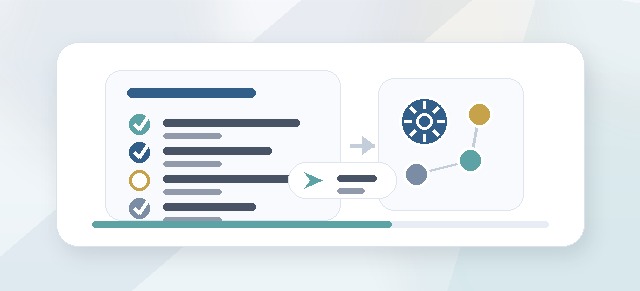
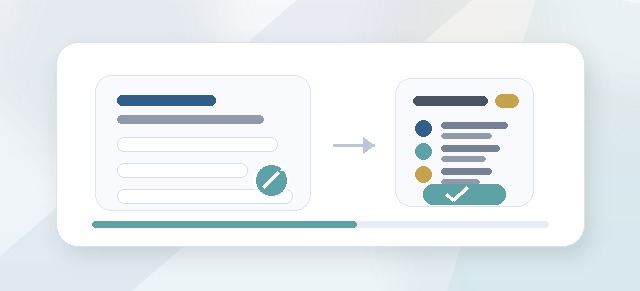
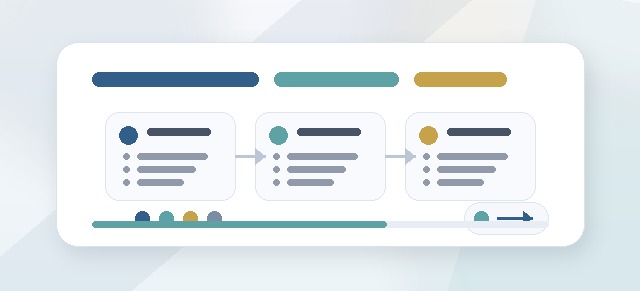
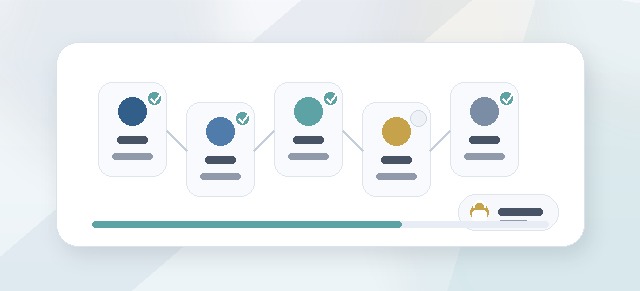
Leadership Compass cohorts move through different status stages as they are created, launched, completed, and eventually archived.
Understanding cohort status helps Champions and Admins know when participants can begin, when notifications should be sent, and what happens after the active program phase is complete.
Why cohort status matters
Cohort status controls where the cohort is in the Leadership Compass process.
It may affect:
- whether participants can start
- whether leaders and facilitators can access dashboards
- whether notifications are sent
- whether the cohort is still being configured
- whether participants are completing pillars or moving into guide generation
- whether the cohort is available for historical reference only
Using status correctly keeps the program organized and prevents participants from starting before setup is ready.
Common cohort statuses
A Leadership Compass cohort may use statuses such as:
- Draft
- Active
- Completed
- Archived
Your organization’s exact labels may vary, but the lifecycle usually follows this pattern.
Draft status
A draft cohort is still being configured.
Use draft status while you are still:
- naming the cohort
- adding participants
- assigning leaders
- assigning facilitators
- selecting enabled pillars
- reviewing pricing or unlocks
- preparing launch communication
- confirming access
Participants may not be able to begin while a cohort is still in draft.
When to keep a cohort in draft
Keep the cohort in draft until you are confident that setup is correct.
Before launching, confirm:
- the participant list is complete
- leaders are assigned correctly
- facilitators are assigned correctly
- enabled pillars are correct
- pricing or unlocks have been reviewed
- communication is ready
- the Champion understands the support plan
Draft status gives you time to prepare without accidentally starting the participant workflow too early.
Active status
An active cohort is live.
When a cohort is active, participants can usually begin or continue the Leadership Compass process.
Depending on the setup, participants may be able to:
- enter CliftonStrengths
- complete enabled pillars
- review reflection cards
- accept reflections
- generate their Leadership Compass Guide after completion
- message a facilitator
- request a check-in
Leaders and facilitators may also be able to access their role-specific dashboards once the cohort is active.
What happens when a cohort is launched?
Launching or activating a cohort usually means the setup phase is complete and the cohort is ready for participants.
This may trigger or prepare:
- participant access
- launch notifications
- leader visibility
- facilitator visibility
- dashboard access
- next-step guidance
Before launch, make sure participants know what Leadership Compass is and what they are expected to do.
Participant notifications
Notifications help participants know when they have been added to a cohort and what to do next.
A participant notification should usually explain:
- that they have been added to a Leadership Compass cohort
- what the cohort is called
- what Leadership Compass is
- what their next step is
- whether they should enter CliftonStrengths
- when they are expected to begin
- who to contact with questions
Notifications should be clear, short, and action-oriented.
Leader notifications
Leaders may need to know when they have been assigned to support participants.
A leader notification should usually explain:
- which cohort they are supporting
- what their Leader role means
- which participants or group they are responsible for
- what they can see
- what they should not expect to see
- how they can encourage participants
- where to access the leader dashboard
Leaders should understand that their role is progress support and encouragement, not ownership of a participant’s private reflections.
Facilitator notifications
Facilitators may need to know when they have been assigned to a cohort or participant group.
A facilitator notification should usually explain:
- which cohort they are supporting
- what participants or groups are assigned to them
- how to access facilitator tools
- how reflection card feedback works
- how participant messages or check-in requests will be handled
- what content is visible to participants
- what content is private to facilitators
Facilitators should understand the privacy expectations for participant reflection content.
Champion notifications
Champions may receive or review notifications related to:
- cohort creation
- launch readiness
- participant progress
- participant completion
- check-in requests
- facilitator activity
- guide completion
The Champion’s job is to keep the program moving and make sure roles and access remain accurate.
Completed status
A cohort or participant may be considered complete when the required active program work is finished.
For participants, completion usually means:
- all enabled pillars are complete
- reflection cards have been reviewed and accepted
- the participant is ready to generate or review the Leadership Compass Guide
A completed participant may move into the post-program experience, where they can use their guide, log alignment moments, and track commitments.
Does a cohort complete when one participant finishes?
Not necessarily.
A participant may complete their own Leadership Compass before the whole cohort is complete.
A cohort may remain active while other participants continue working.
The Champion should monitor participant progress and decide when the overall cohort is complete.
Archived status
An archived cohort is no longer active.
Archiving may be useful when:
- the program cycle is finished
- the cohort should no longer appear in active views
- reporting needs to remain available
- the cohort should be preserved for history
- a new cohort will be created for the next cycle
Archived cohorts should generally not be used for new participant work.
When should a cohort be archived?
Consider archiving a cohort when:
- the active program phase is over
- participants have completed their guides
- leaders and facilitators no longer need active dashboards
- a new cohort is being created for the next group
- the cohort should remain available only for reference
Launch checklist for Champions
Before changing a cohort from draft to active, confirm:
- the cohort name is correct
- the correct participants are included
- participants are assigned to the right leaders
- facilitators are assigned correctly
- enabled pillars are correct
- pricing/unlocks are understood
- launch communication is ready
- participants know what to expect
- leaders know their support role
- facilitators know their review role
Notification best practices
Good notifications should be:
- clear
- brief
- specific
- role-aware
- linked to the correct next action
Avoid sending generic messages that do not explain what the user should do next.
What should a participant notification say?
A participant notification should answer:
- Why am I receiving this?
- What is Leadership Compass?
- What cohort am I in?
- What should I do first?
- Who can I contact if I need help?
What should a leader notification say?
A leader notification should answer:
- Which cohort am I supporting?
- Which participants am I responsible for?
- What can I see?
- What should I do if someone is stuck?
- Where do I go to review progress?
What should a facilitator notification say?
A facilitator notification should answer:
- Which cohort am I supporting?
- Which participants am I assigned to?
- What feedback tools are available?
- What should remain private?
- How do I respond to check-in requests?
Changing status after launch
Be careful when changing a cohort’s status after launch.
Changing status may affect:
- participant access
- dashboard visibility
- notification behavior
- guide generation
- progress tracking
- facilitator access
- leader access
If a cohort has already started, review the impact before changing status.
Common questions
Can I create a cohort without launching it?
Yes. Create the cohort in draft status and launch it when setup is ready.
Do participants receive notifications automatically?
This depends on your organization’s setup and notification workflow. Confirm notification behavior before launch.
Can participants start while a cohort is in draft?
Usually no. Draft status is intended for setup.
Can a cohort stay active after some participants finish?
Yes. Participants may complete at different times.
Does completing all enabled pillars complete the participant?
Usually yes, as long as reflection cards have been reviewed and accepted.
Can I reactivate an archived cohort?
This depends on your organization’s setup. In many cases, it is better to create a new cohort for a new program cycle.
Troubleshooting
Participants cannot access the cohort.
Confirm that:
- the cohort is active
- participants are assigned correctly
- participants have the Participant role
- the module is enabled
- access notifications or links are correct
Leaders cannot see their dashboard.
Confirm that:
- the cohort is active
- the user has the Leader role
- participants are assigned to that leader
- the user is in the correct organization
Facilitators cannot see their dashboard.
Confirm that:
- the cohort is active
- the user has the Facilitator role
- the facilitator is assigned to the cohort or participants
- the user is in the correct organization
Notifications did not send.
Check whether notifications are enabled for that action, whether the cohort was launched correctly, and whether users have valid email addresses or accounts.
Participants are receiving notifications too early.
The cohort may have been activated before setup was complete. Review the cohort status and launch workflow.
Best practices
- Keep cohorts in draft until setup is complete.
- Use active status only when participants are ready to begin.
- Send role-specific notifications.
- Avoid launching before leaders and facilitators are assigned.
- Monitor progress while the cohort is active.
- Move participants into guide/post-program work after completion.
- Archive old cohorts instead of reusing them for new groups.
Cohort status and notifications help keep Leadership Compass organized, timely, and clear for every role involved.