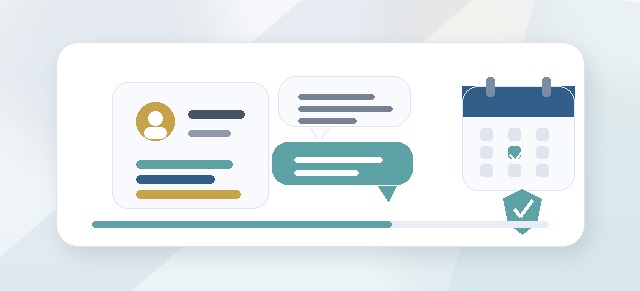
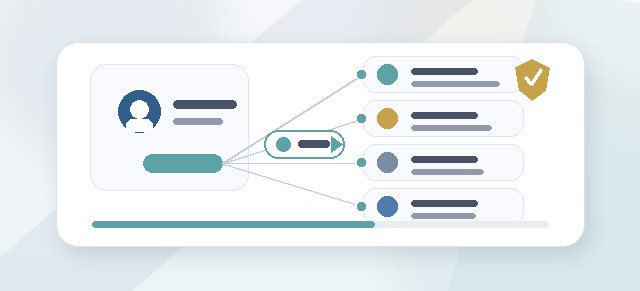
Facilitators help guide participants through the Leadership Compass process.
They may support reflection, review progress, provide feedback, respond to check-in requests, and help participants turn their answers into a meaningful Leadership Compass Guide.
What is a facilitator?
A Facilitator is a support role inside Leadership Compass.
Facilitators may be:
- internal coaches
- HR partners
- learning and development staff
- consultants
- certified facilitators
- executive coaches
- trusted leadership guides
The facilitator’s role is to support the participant’s growth without taking over the participant’s voice.
Why facilitator assignments matter
Leadership Compass includes personal leadership reflection. Participants may write about values, standards, challenges, team dynamics, conflict, commitments, and growth areas.
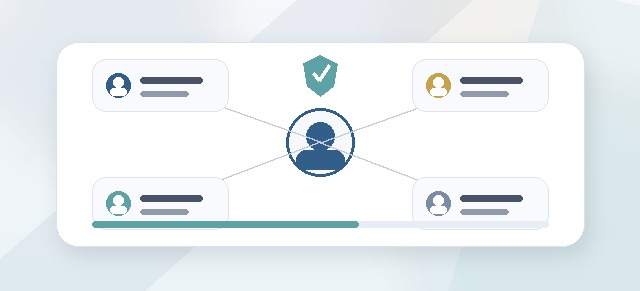
Facilitator assignments help make sure the right person can support the right participant or cohort.
Good facilitator assignments help answer:
- Who is supporting this participant?
- Who should review reflection progress?
- Who should receive check-in requests?
- Who can provide feedback?
- Who can message the participant?
- Who should not have access?
Who can assign facilitators?
Facilitators are usually assigned by a Champion or Admin.
A Champion may assign facilitators during cohort setup or update facilitator assignments later if program support changes.
When should facilitators be assigned?
Ideally, facilitators should be assigned before the cohort launches.
This helps participants know who is supporting them and ensures facilitators can see the right people when the cohort begins.
Facilitators can sometimes be assigned later, but it is better to set them up before participants begin reflection work.
What facilitators may be able to do
Depending on your organization’s setup, facilitators may be able to:
- view assigned participants
- review participant progress
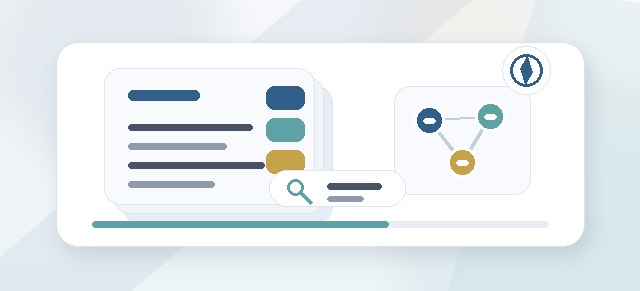
- review reflection cards
- provide feedback on reflection cards
- add feedback visible to the participant
- add private facilitator notes
- respond to participant messages
- receive check-in requests
- help participants prepare their final guide
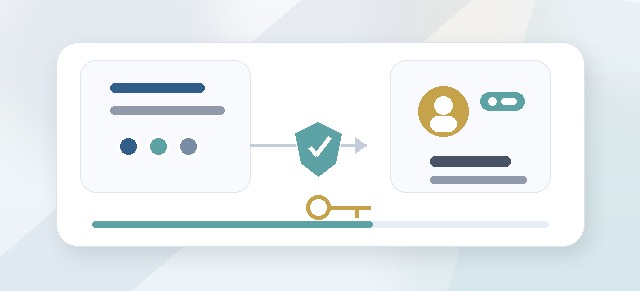
Facilitator access should be scoped to the cohorts or participants they are assigned to support.
What facilitators should not automatically see
Facilitators should not automatically see everything in the organization.
They should not automatically see:
- every cohort
- every participant
- participants outside their assignment
- leader-only views
- admin configuration areas
- content that has not been made available to their role
Facilitator access should match the support relationship.
Facilitator feedback
Facilitators may review reflection cards and leave feedback.
Feedback may include:
- encouragement
- clarifying questions
- coaching prompts
- suggested areas to revisit
- notes about patterns or themes
- labels such as “Strong,” “Discuss,” or “Needs Review”
The goal is to help the participant refine their own thinking.
Visible feedback vs private notes
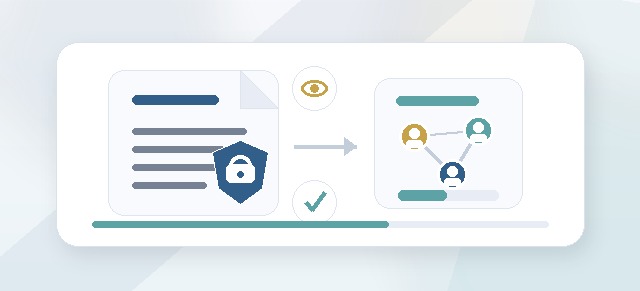
Some facilitator notes may be visible to the participant. Other notes may be private to the facilitator.
Visible feedback
Visible feedback is meant for the participant to read.
Use visible feedback for:
- encouragement
- coaching prompts
- questions to consider
- suggestions for strengthening a reflection
- comments that help the participant move forward
Private notes
Private notes are not meant for the participant to see.
Use private notes carefully for:
- preparation before a coaching conversation
- internal reminders
- observations that require more context
- follow-up planning
Private notes should still be professional and appropriate.
Messaging a facilitator
Participants may be able to message their assigned facilitator.
This can be useful when a participant:
- is stuck on a pillar
- wants help interpreting reflection cards
- needs guidance before accepting cards
- has a question about the guide
- wants to request a check-in
Messages should go to the facilitator assigned to that participant or cohort.
Requesting a check-in
Participants may be able to request a check-in with their facilitator.
A check-in request may include:
- preferred timing
- a question
- a note about where they are stuck
- context about what they want to discuss
The facilitator can then follow up to schedule time or provide guidance.
Internal vs external facilitators
Facilitators may be internal or external.
Internal facilitators
Internal facilitators are usually employees or organization members, such as HR partners, coaches, or leadership development staff.
External facilitators
External facilitators may be consultants, certified facilitators, coaches, or partners outside the organization.
External facilitators should be assigned carefully and should only see the cohorts or participants they support.
Virtual facilitator users
Some organizations may use virtual users for external facilitators or support roles.
A virtual user can allow a facilitator to access the right parts of Leadership Compass without being counted as a standard participant.
Virtual users should still have clear role assignments and access boundaries.
Can a facilitator support multiple cohorts?
Yes.
A facilitator can support multiple cohorts if they are assigned to each one.
For example, one facilitator might support:
- an executive cohort
- a new manager cohort
- a department cohort
- a follow-up cohort
Each assignment should be intentional.
Can a facilitator also be a participant?
Yes.
A facilitator may support one cohort while completing Leadership Compass as a participant in another cohort.
When someone has more than one role, access should be based on the specific cohort and role assignment.
What should Champions check before launch?
Before launching a cohort, Champions should confirm:
- facilitators are assigned correctly
- external facilitators have the right user setup
- facilitator access is scoped correctly
- participants know who their facilitator is
- facilitators understand what they can and cannot see
- check-in and messaging workflows are ready
- facilitator expectations are clear
Changing facilitator assignments
Facilitator assignments may change if:
- the wrong facilitator was assigned
- a new facilitator takes over
- the cohort structure changes
- an external consultant is added or removed
- a participant needs a different support person
When changing facilitator assignments, confirm whether the previous facilitator should retain any access.
Best practices for facilitators
If you are a facilitator:
- support the participant’s own voice
- ask clarifying questions
- use feedback to strengthen reflection, not replace it
- respect participant privacy
- keep private notes professional
- respond to check-in requests in a timely way
- help participants connect the Compass to real leadership behavior
- encourage completion without rushing the work
Best practices for Champions
If you are assigning facilitators:
- assign facilitators before launch
- avoid giving broad access when scoped access is enough
- make sure external facilitators have the correct user setup
- confirm who receives participant messages
- confirm who receives check-in requests
- review facilitator access when cohort structure changes
- communicate expectations clearly to both facilitators and participants
Common questions
Why can’t a facilitator see a cohort?
The facilitator may not be assigned to that cohort, or the cohort may not be active.
Why can’t a facilitator see a participant?
The participant may not be assigned to that facilitator, or the facilitator’s access may be scoped differently.
Can facilitators see private reflections?
Facilitators may be able to review reflection cards if assigned, depending on the program setup. They should only see content needed to support the participant.
Can facilitators see leader dashboards?
Not usually. Facilitator and leader dashboards serve different purposes.
Can facilitators message participants?
This depends on the organization’s setup. If messaging is enabled, messages should stay scoped to assigned participants or cohorts.
Are facilitators counted as paid participants?
Not usually. Facilitators are support roles unless they are also completing Leadership Compass as Participants.
Troubleshooting
A facilitator cannot access facilitator tools.
Confirm that:
- the user has the Facilitator role
- the user is assigned to the cohort
- the cohort is active
- the user is in the correct organization
- the facilitator has assigned participants, if participant-level assignment is required
A participant cannot message a facilitator.
Confirm that a facilitator is assigned and that messaging is enabled for the cohort.
A check-in request is not reaching the facilitator.
Confirm the participant has an assigned facilitator and that notifications are configured correctly.
A facilitator sees too many participants.
Review facilitator assignments and access scope. The facilitator may have broad cohort access or may be assigned to more participants than intended.
Summary
Facilitator assignments help participants get the right support at the right time.
A clear facilitator setup improves reflection quality, protects participant privacy, and helps Leadership Compass feel guided rather than isolated.