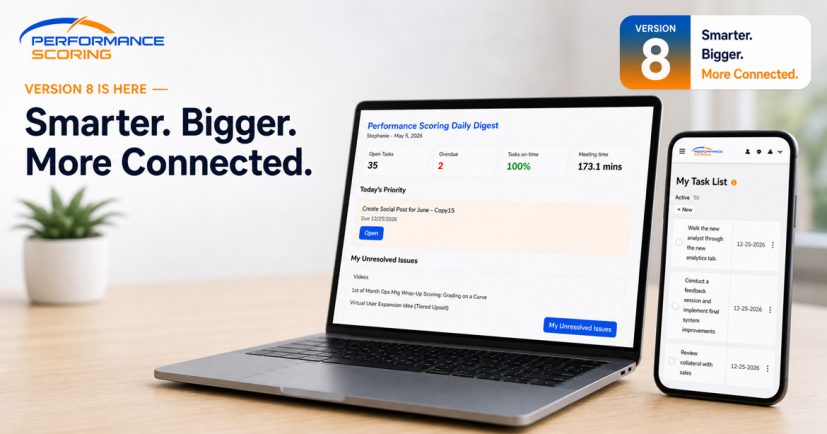
We’ve just completed a dot-release to Production. In version 6.7.8, we’ve included a few enhancements including adding a toggle on the Accountability Chart to show/hide Secondary Reports.
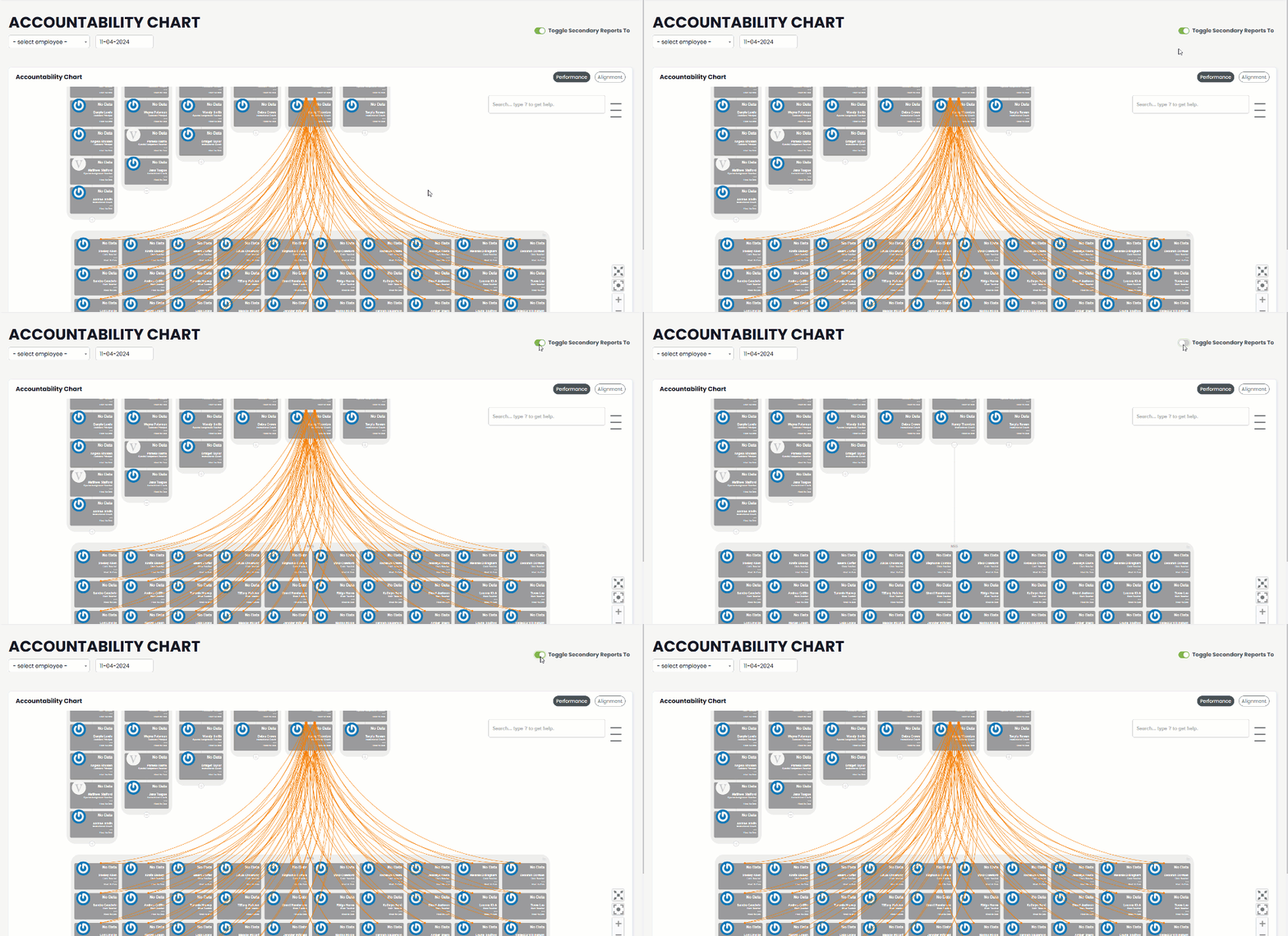
Added Accountability Chart Toggle
When your users have a lot of Secondary Reports, the Accountability Chart can get a little, well, overwhelming. In Upstream+ v6.7.8, you’ll see a toggle in the top-right corner of the screen. This let’s you toggle visibility of these secondary relationships on or off.
Warning/Redirect if Creating Duplicate User
When adding a new user, the system will now check if that email address already exists in the database before adding them. If they already exist, you’ll see a warning asking if you want to edit this user’s profile instead. Upstream+ never allowed for duplicate users, but with this enhancement, you’ll be able to update the user’s profile if they’re already in the system.
This is useful in the event a user had previously been created outside of your reporting structure and you were unaware they already existed in the system.
Bug Squashed
v6.7.8 includes a handful of bug fixes, including:
- QAs Maintain their Order in Meetings
- Function Fixes if Company is Null
- Improved encoding in Form Reports
- “Send Meeting Started” button in Started Meeting fixed
- Null Error in Objective Management Controller
- Streamlined data collection to avoid redundant calls
- Forms Rubric link now Opens in a New Tab