Creating a Rock
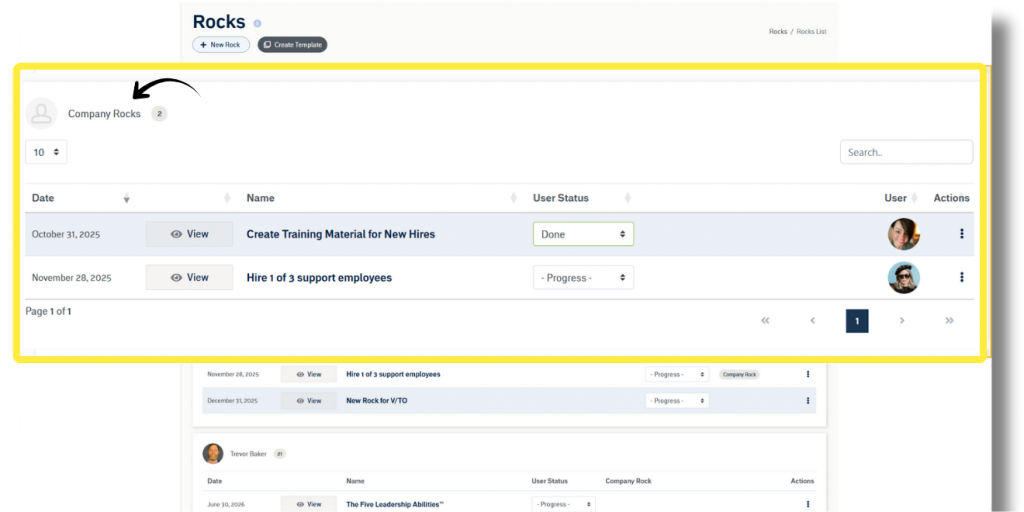
Pinnacle‘s Rocks management module allows users to organize Action Items into Rocks. Users can initiate a new Rock by accessing the “Rocks List” in the main navigation under “Rocks”. Once on the Rocks page, click “New Rock”, and enter details such as start date, deadline, name, subtitle, and a brief description. Additionally, the Rock owner, viewers, and team members are selected, and if necessary, the Rock can be linked to meetings and associated with organizational Initiatives. Finally, Action Items for the Rock can be created before saving the Rock.
NOTE: The logged-in user must have “Access Rocks” enabled in their Role permissions to see Rocks or Action Items. See more in the Permissions Glossary.
Action Items in Rocks
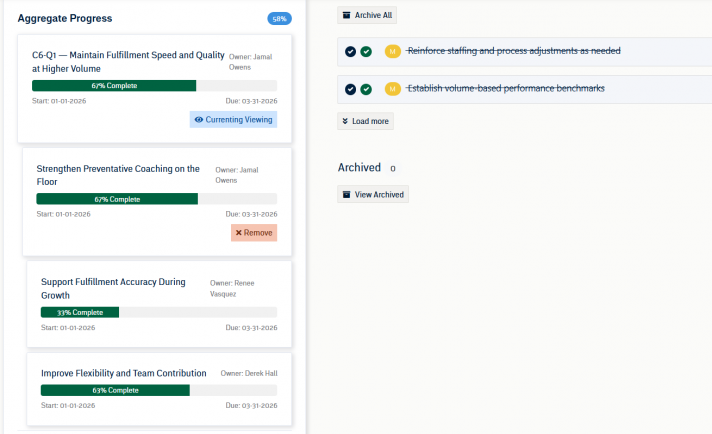
Action Items serve as manageable pieces of the larger Rock and can be assigned to one or more individuals or entire teams. As stated earlier, Action Items can be added during Rock creation, or users can add or edit Rock Action Items by opening an existing Rock. Action Items within a Rock are automatically designated as “milestones”. Milestone Action Items can always be accessed from within a Rock but will only appear on a user’s task list when they are within 7 days of the due date or late.
Rock Management
Once Action Items associated with the Rock and ownership is assigned for each Action Item, the Rock management process can begin. Sub-Action Items can be written out within Action Item details or broken into separate Action Items. Action Items can be marked as “Not Started,” “In Progress,” or “Complete.” Once all Action Items within a Rock are completed, the Rock can be marked complete by the owner after giving feedback on the process.
Communication of Progress
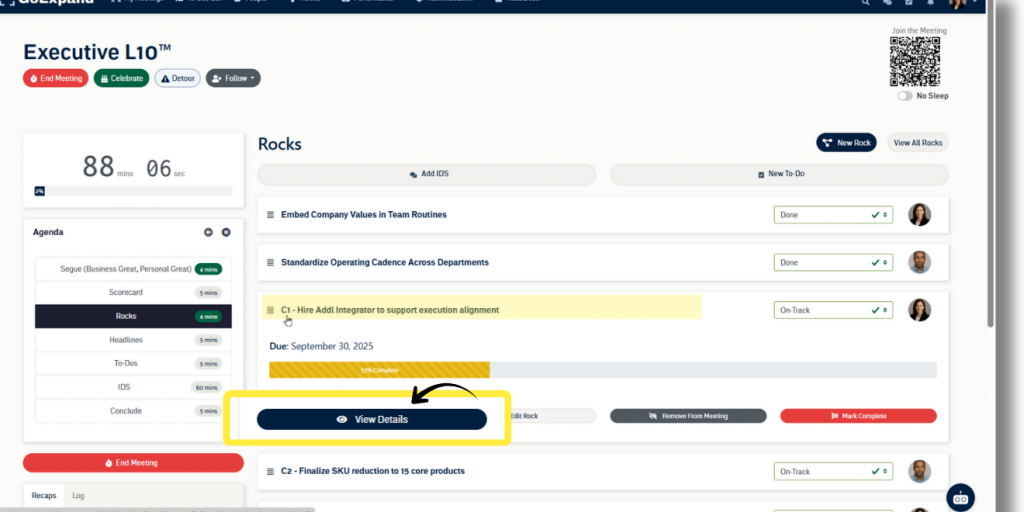
The overall Rock completeness is automatically calculated based on the sum of Action Item statuses relative to the deadline of the Rock, but don’t worry, the application provides flexibility. Anywhere Rocks are found, the owner can use the dropdown to convey the Rock‘s progress by selecting “On Track”, “Off Track”, or “Done”. Selecting Done will prompt the user to officially mark the Rock complete.
NOTE: Users with “Company Settings” permission in their Role can update the names of the three Rock statuses in Naming Conventions.
Next up: Create a Rock