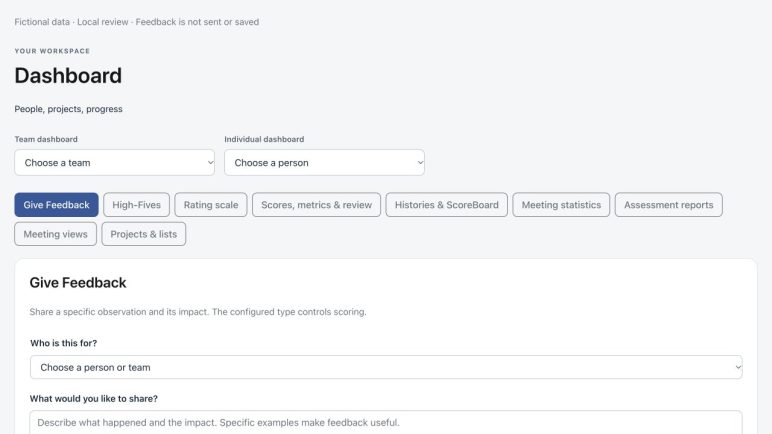
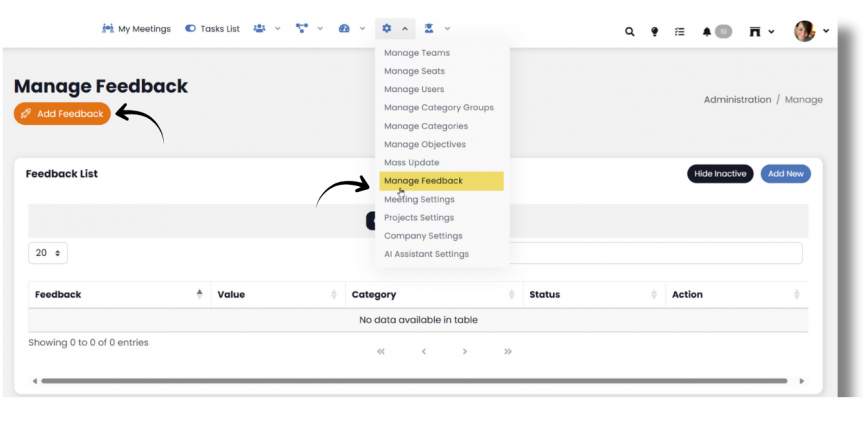
The Feedback Board is a tabled display of all Feedback and Metric (Goal) data entered into GoExpand. The Feedback Board allows users to filter and search through data to further analyze it based on specific parameters like date of entry, the user who entered the data, and any notes attached to the entry. To use the Feedback Board, use the navigation panel and select, Performance > Feedbackboard.
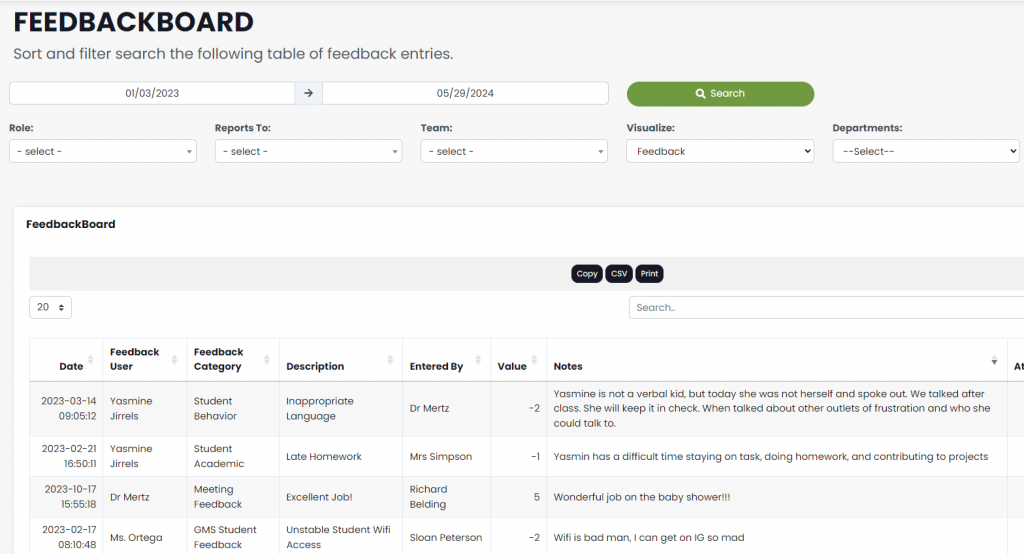
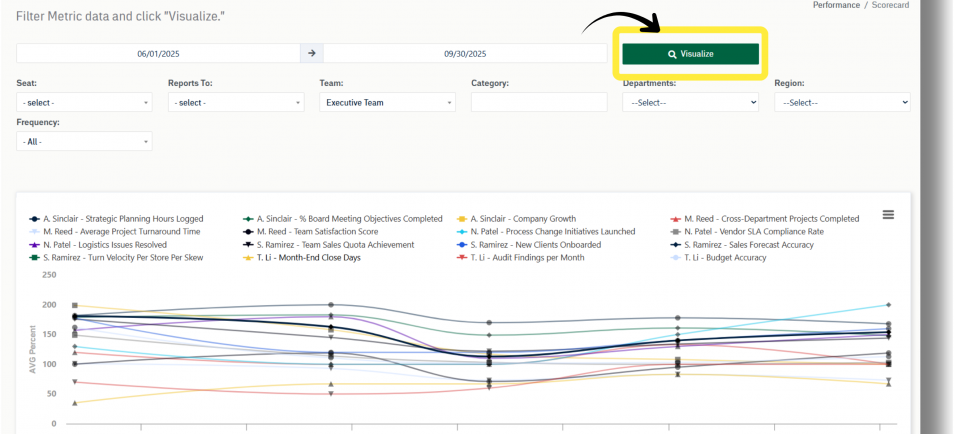
The default view shows Feedback from 30 days prior to the current date. A date range filter is available and allows you to view customized date ranges. Use the Visualize filter to switch between Feedback and Metrics (Goals). Dropdown filters also exist for Seat, Reporting Structure, Team, and Department.
For additional support please contact your Account Manager.