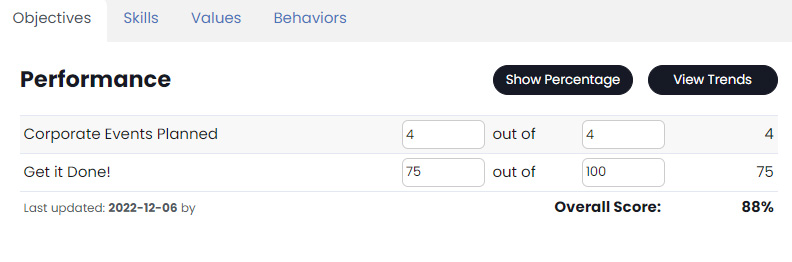
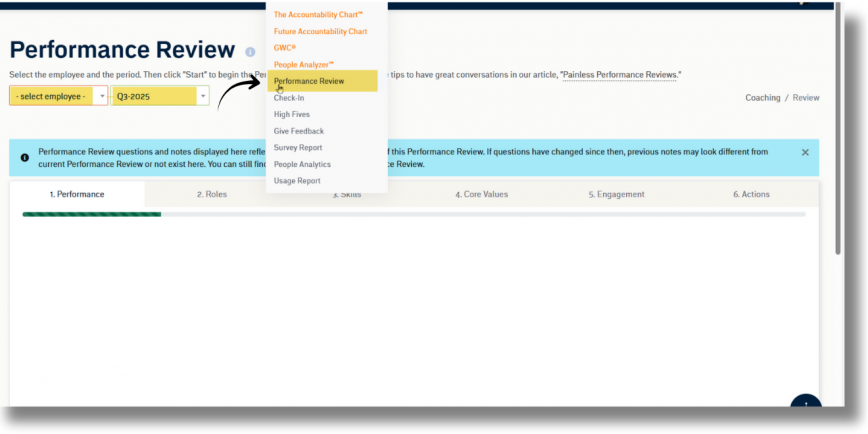
Metrics are targeted goals in the GoExpand application based on individual, Seat, or team (their “Scope”). To manage or add an Metric use the navigation panel and select Administration > Manage Metrics.
You will be brought to the Manage Metrics page where you can see every Metric entered, sorted by Individual, Seat, or Team tabs.
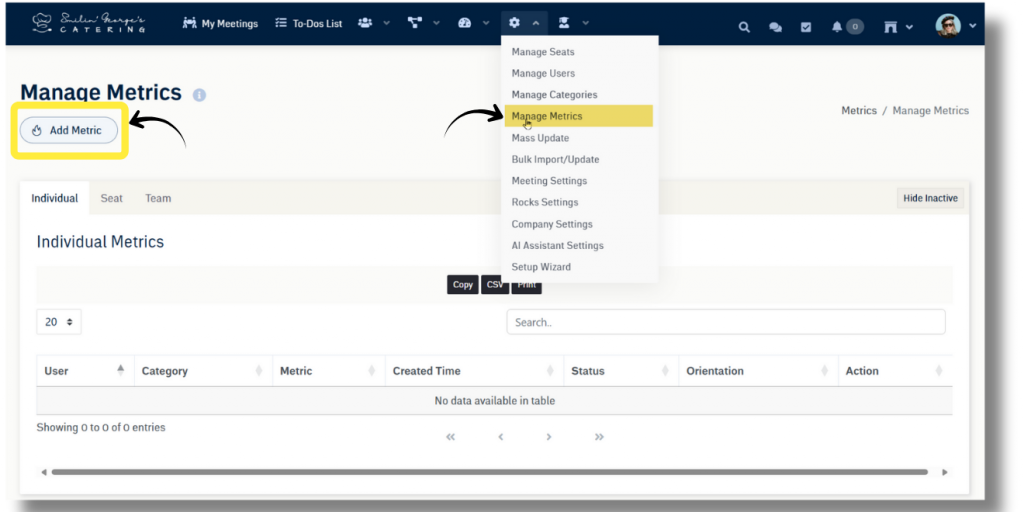
To add a new Metrics , select the “Add Metric” button at the top of the page. To create an Metrics set the goal value, the Units, frequency, a description of the Metrics, the scope of the goal (individual, Seat, or team), and the category or categories it is associated with. Finally select the Add Metrics button.
To edit an Metrics, select the edit button to the right of the Metrics and update the necessary field. For additional support contact your account manager.
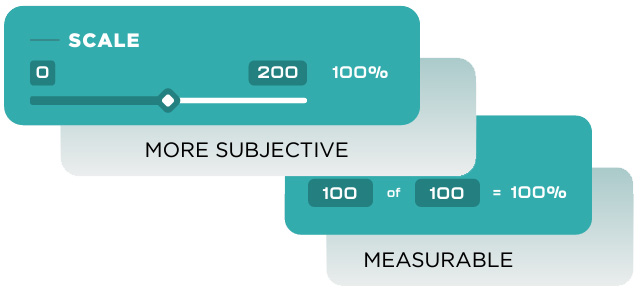
See also, Scale Metrics, if that Metrics is a little more “subjective.”
Not sure what Metrics you need to create to measure the performance of your team? See download our, “Guide to Creating Performance Metrics.”
Next up: Managing Feedback