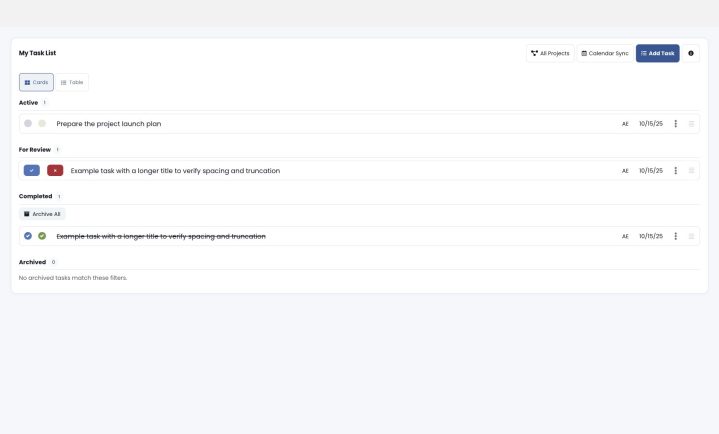
The Kanban Board provides a visual way to manage your Rocks and To-Dos. You can organize work into customizable swimlanes, drag and drop items to update their status, and watch changes sync instantly across users.
Whether you’re viewing Rocks or To-Dos, the Kanban Board gives you a real-time snapshot of progress across your team.
What’s a Kanban Board?
A Kanban board is a visual project management tool that uses columns to represent different stages of a workflow and cards to represent individual tasks. By moving cards across the board from columns like “To Do” to “In Progress” and “Done,” teams can visualize their progress, track work in real-time, and improve efficiency.

These boards can be physical (like a whiteboard with sticky notes) or digital, and they help teams manage their workload and identify bottlenecks.
Accessing the Kanban Board
- From the main navigation, go to Rocks → Rock Kanban Board.
- You’ll see a dropdown labeled View by Rocks — switch this to To-Dos if you prefer to manage individual To-Dos instead of whole Rocks.
Creating Your First Board
Click the gear icon ⚙️ at the top-right corner of the page to open Board Settings.
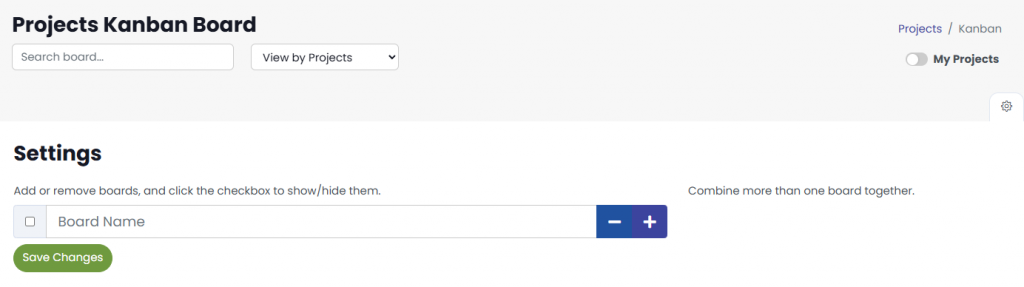
Enter a board name (e.g., “Project Board”) and click Save Changes.
Once saved, click the plus (+) button to add status categories.
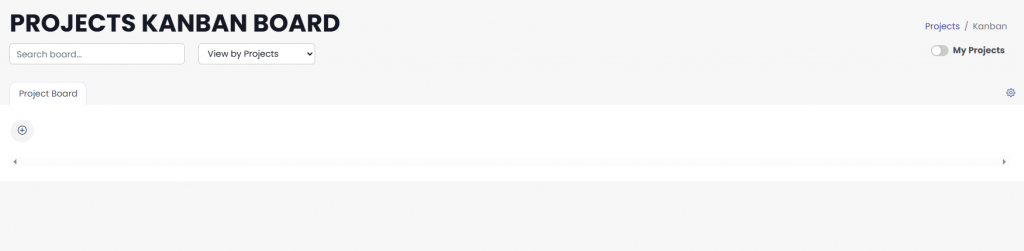
Select the project (or task) categories you’d like to display as swimlanes — for example: Pending, In Progress, Completed.
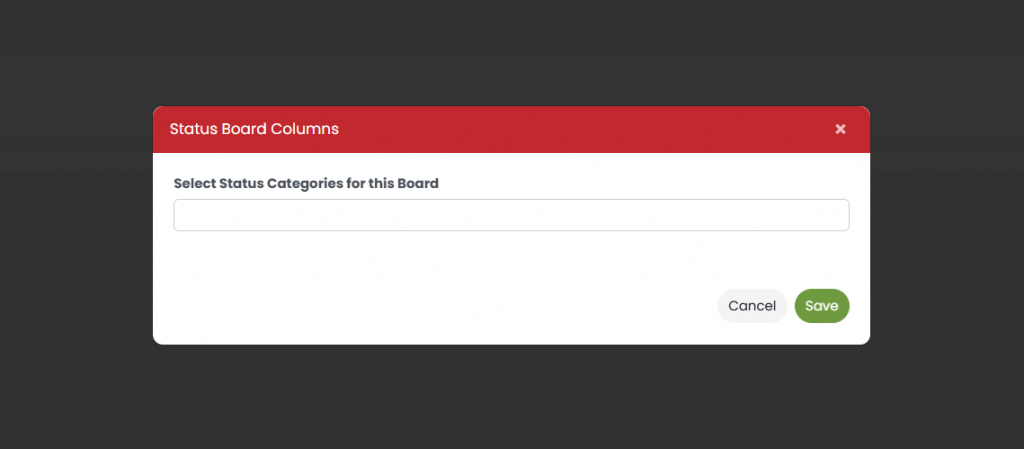
Click Save to apply your selections.
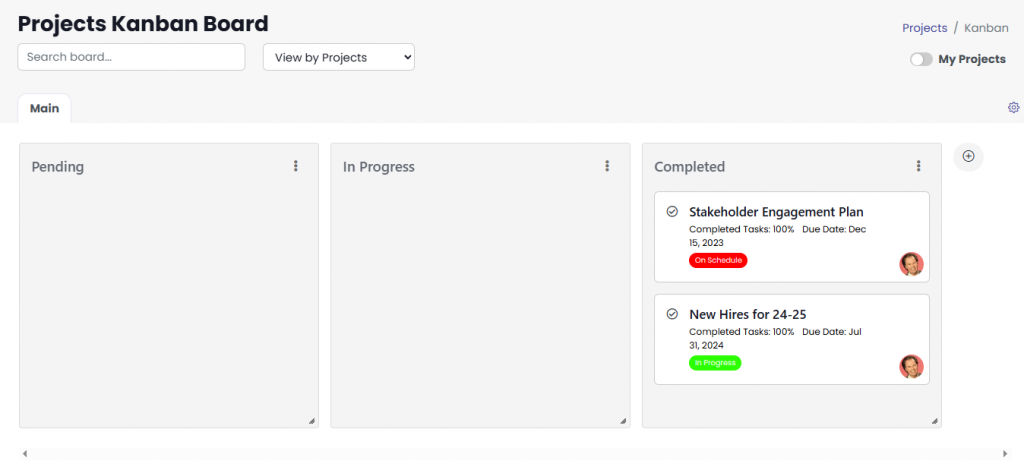
Your new Kanban layout will appear, and you can drag the swimlanes to reorder them however you like.
Working with Cards
Each card represents a Rock or a To-Do, depending on your view.
- Rock Cards display the Rock name, average completion percentage, due date, and Rock owner.
- To-Do Cards show To-Do name, assigned user, due date, and status icons.
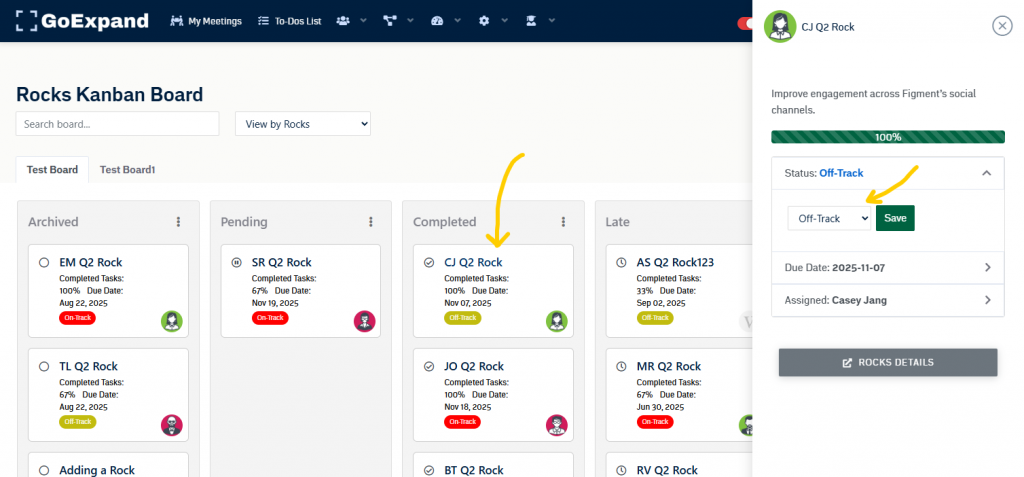
You can:
- Drag and drop cards between lanes to instantly update their status.
- Click a card title to open a details panel with editable fields such as status, due date, and assignment.
- Use labels or tags to add context (like Milestone, Urgent, or Promised).
All updates are saved automatically — no refresh needed.
Real-Time Updates
The Kanban Board now updates asynchronously — meaning any change you or your teammates make appears right away for everyone viewing the same board.
When you move, edit, or relabel a card:
- The change reflects instantly for you.
- It’s broadcast in real time to others on the same board.
- The board stays in place — no page reload or scroll reset required.
This keeps your workflow fast and collaborative, especially during live planning sessions or team meetings.
Tips & Tricks
- Use the search bar at the top to quickly locate Rocks or To-Do.
- Switch between “View by Rocks” and “View by To-Dos“ to change perspectives.
- The My Rocks toggle filters to show only items assigned to you.
- Reorder swimlanes or rename boards at any time from the settings menu.
Summary
The Kanban Board is your interactive workspace for managing both Rocks and To-Dos — giving you the freedom to visualize, organize, and act in real time. It’s built for speed, collaboration, and clarity.