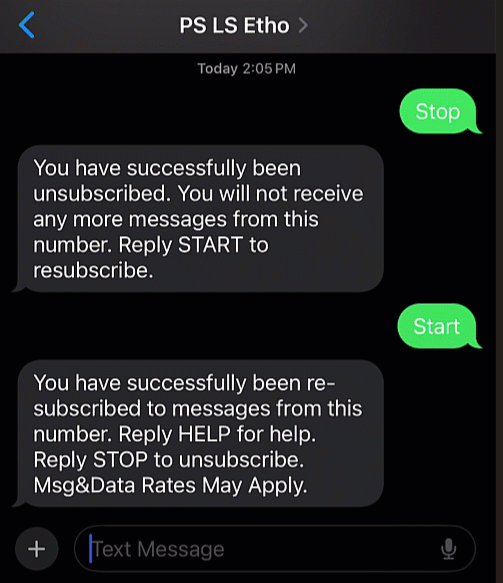
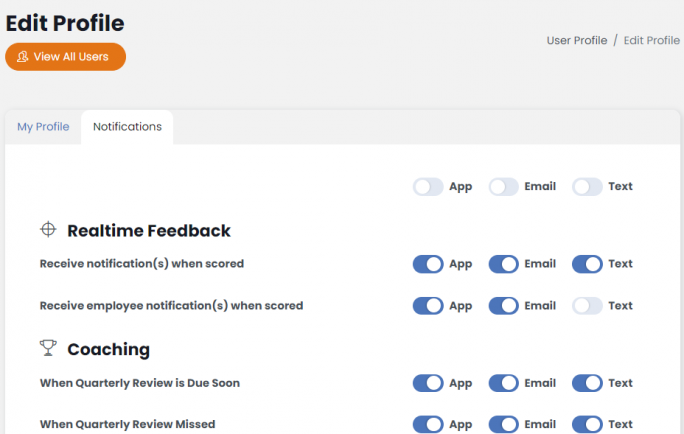
In Success Tracker, you have the option of turning text notifications on or off via your user profile as discussed in this article. You can also stop all text notifications from Success Tracker using your messaging application on your mobile device using two simple texts, “Stop” and “Start”. Here’s how:
Go to the text message thread that sent you the notification.
Text “Stop” and all notifications will cease to be sent to your device even if your Success Tracker toggle is set to On.
To restart the text notifications, go back to the same strand and text “Start” and all notifications you have turned on in Success Tracker will begin being sent again.