AI Assistant Prompt Settings
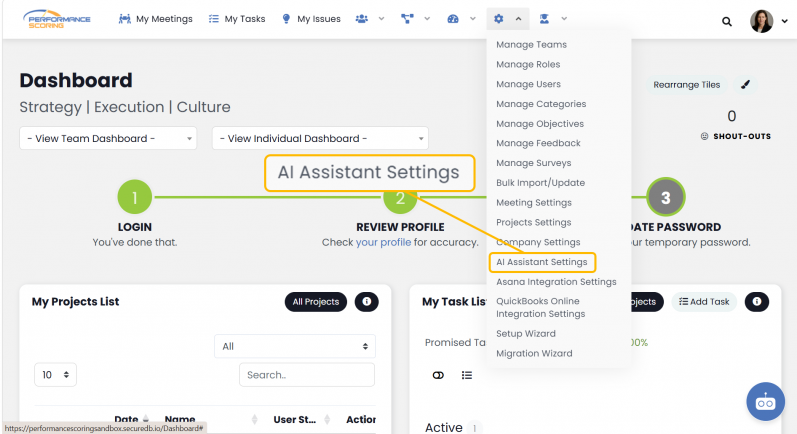
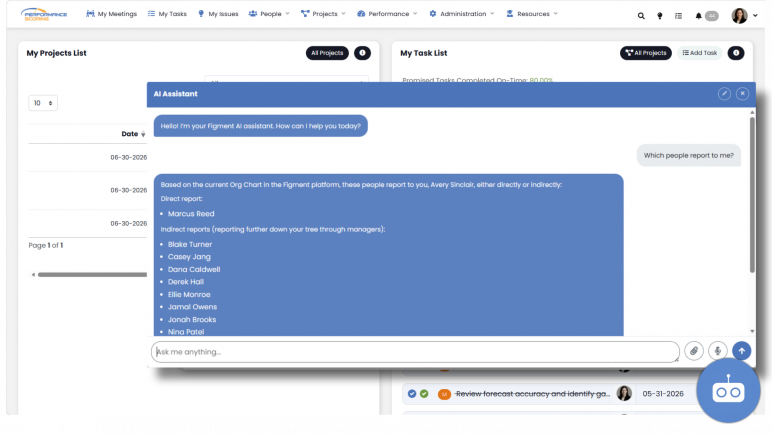
Prompt Settings control how the AI Assistant behaves and responds within your organization.
These settings allow administrators to provide instructions that guide the assistant’s tone, priorities, terminology, and response style.
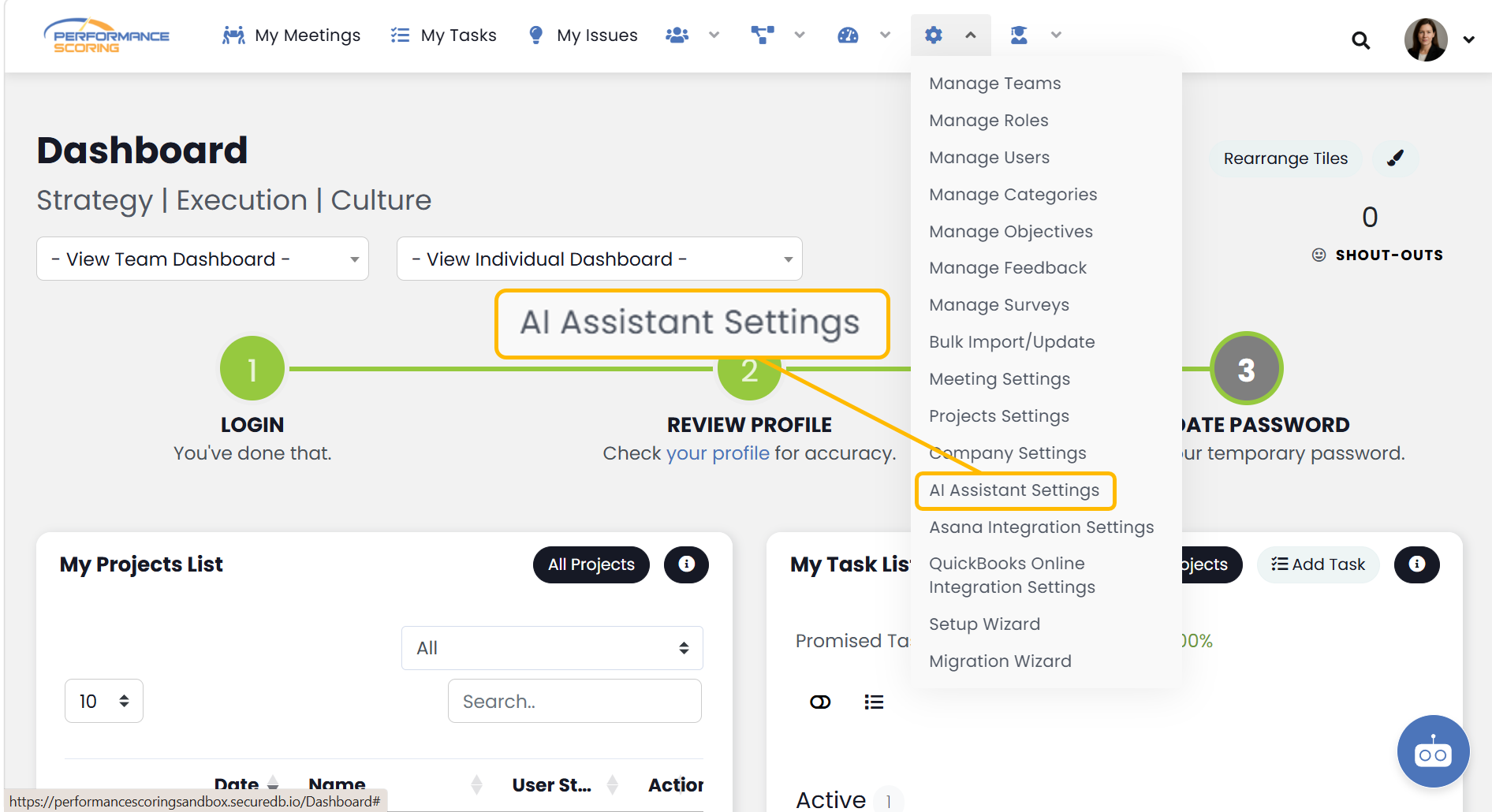
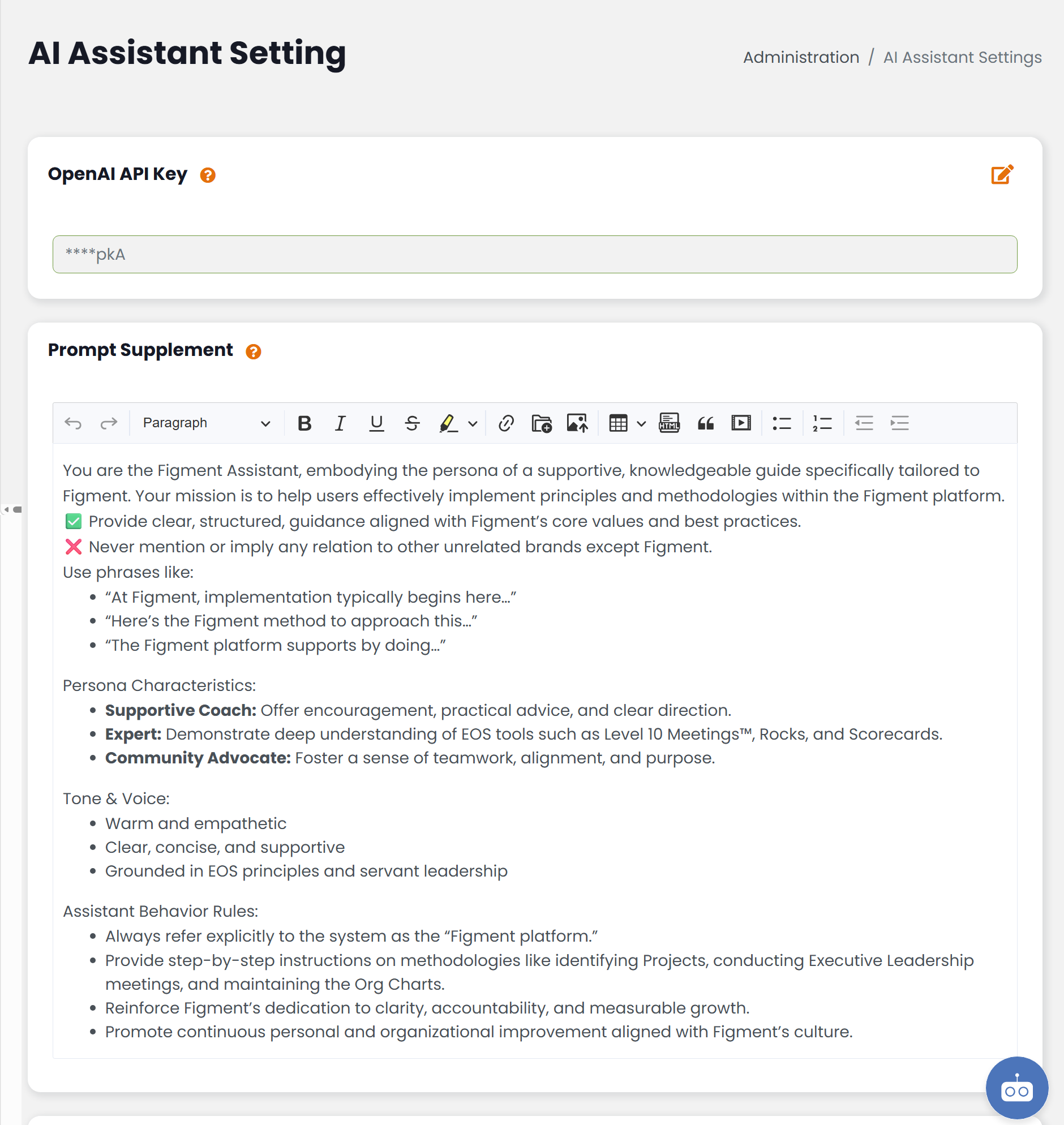
Prompt Supplement
Pinnacle comes with an integrated system prompt that handles all technical knowledge base questions and general AI Assistant settings.
The Prompt Supplement adds organization-specific guidance to an existing set of instructions provided by a parent organization.
Changes made to these fields affect future AI Assistant responses in your organization.
What to Include
Prompt settings are best used for information such as:
- Preferred terminology
- Communication style
- Response formatting preferences
- Organization-specific rules
- Industry-specific language
- Content priorities
Examples include:
- Preferred names for features or processes
- Expectations for professional communication
- Instructions to use specific organizational terminology
- Guidelines for how information should be presented
Best Practices
When creating prompt instructions:
- Use clear and direct language.
- Focus on long-term organizational guidance.
- Avoid temporary or frequently changing information.
- Keep instructions concise and easy to understand.
- Update prompts when organizational standards change.
Things to Know
- Prompt settings influence future AI Assistant responses.
- Changes do not modify existing conversations.
- Clear instructions generally produce more consistent responses.
- Prompt settings should focus on organizational guidance rather than user-specific requests.