QuickBooks Metrics
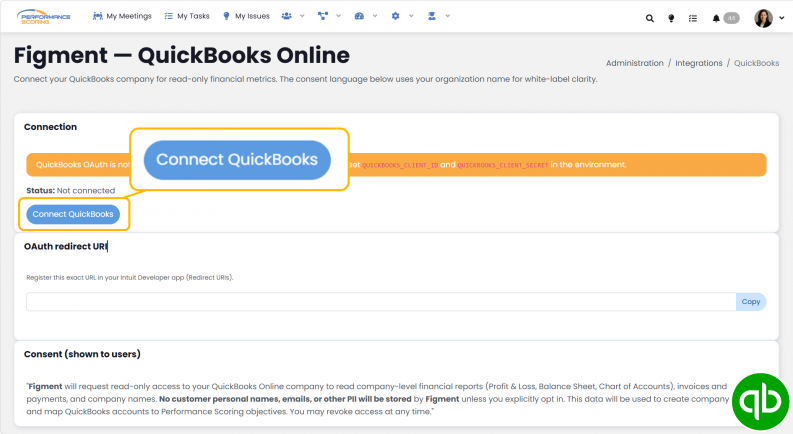
QuickBooks Metrics automatically calculate values using data imported from QuickBooks. These Metrics eliminate manual data entry by pulling financial information directly from your connected QuickBooks dataset.
Creating a QuickBooks Metric
To create a QuickBooks Metric:
- Select QuickBooks as the Metric type.
- Choose the QuickBooks dataset to use.
- Select the account, category, or financial item you want to track.
- Configure any available calculation settings.
- Save the Metric.
Once saved, the Metric will use QuickBooks data to calculate its value.
Selecting a Dataset
A dataset determines which QuickBooks data source will be used for the Metric.
If multiple datasets are available, select the dataset that contains the financial information you want to track.
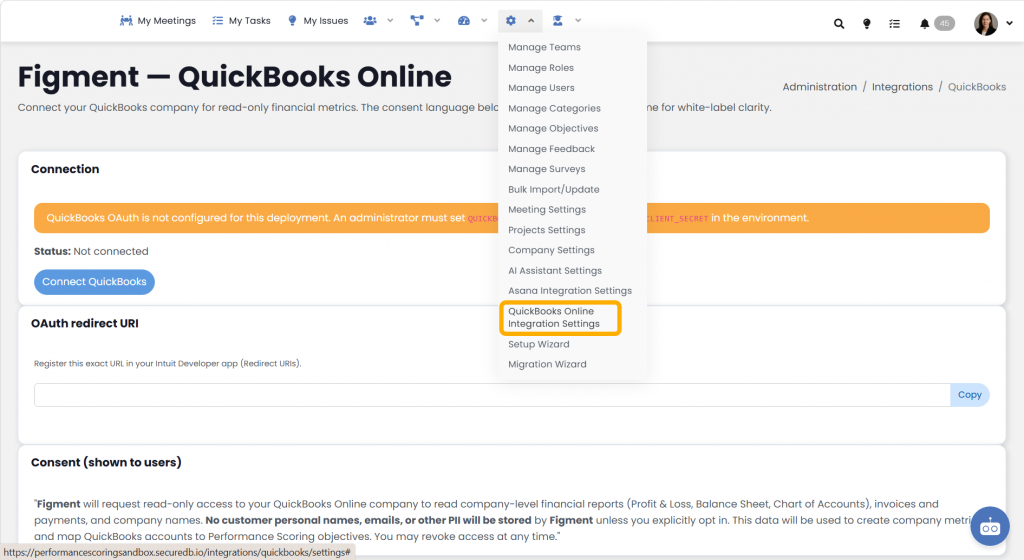
The available datasets are determined by your organization’s QuickBooks integration settings.
Selecting an Account
After selecting a dataset, available accounts and financial categories will become available for selection.
Choose the account that best represents the value you want to measure.
Examples may include:
- Revenue accounts
- Expense accounts
- Asset accounts
- Liability accounts
- Other financial categories configured within the dataset
The available options depend on the QuickBooks data that has been imported into the application.
Metric Calculations
QuickBooks Metrics automatically calculate values using imported financial data.
As new QuickBooks data is synchronized, the Metric values update based on the selected account and reporting period.
No manual entry is required for the Metric value.
Reporting Periods
QuickBooks Metrics follow the frequency assigned to the Metric.
Examples include:
- Daily
- Weekly
- Monthly
- Quarterly
- Annual
The Metric will calculate using the financial data available for the selected reporting period.
Refreshing Data
Metric values depend on the most recent QuickBooks data available in the application.
If expected values do not appear:
- Verify the correct dataset is selected.
- Confirm the appropriate account has been chosen.
- Ensure QuickBooks data has been imported or synchronized.
- Allow time for calculations to refresh if new financial data was recently added.
Things to Know
- QuickBooks Metrics calculate automatically from imported QuickBooks data.
- Metric values cannot be manually entered while using a QuickBooks data source.
- Available datasets and accounts are determined by your organization’s QuickBooks integration.
- Changes made to the selected dataset or account may affect historical and future Metric calculations.
- Users must have appropriate permissions to create or modify QuickBooks Metrics.