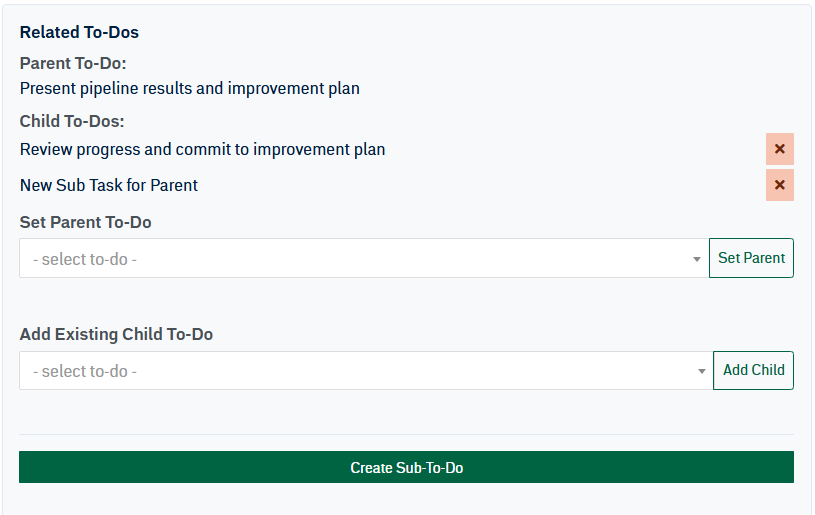
Related To-Dos let you connect one To-Do to another. A parent To-Do is the larger item, while child To-Dos are smaller items that support or break down the parent.
Set an Existing Parent To-Do
Use this option when the current To-Do should belong under another To-Do. Select the parent To-Do from the dropdown, then click Set Parent.

Add an Existing Child To-Do
Use this option when another existing To-Do should be added under the current To-Do. Select the child To-Do from the dropdown, then click Add Child.

Create a New Child To-Do
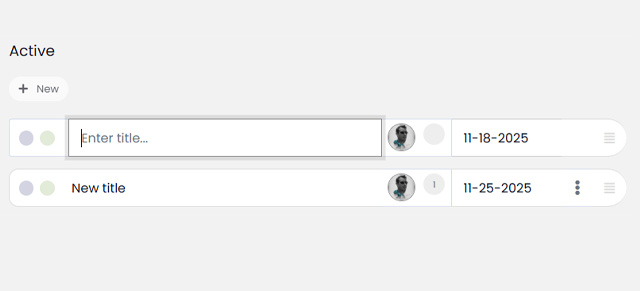
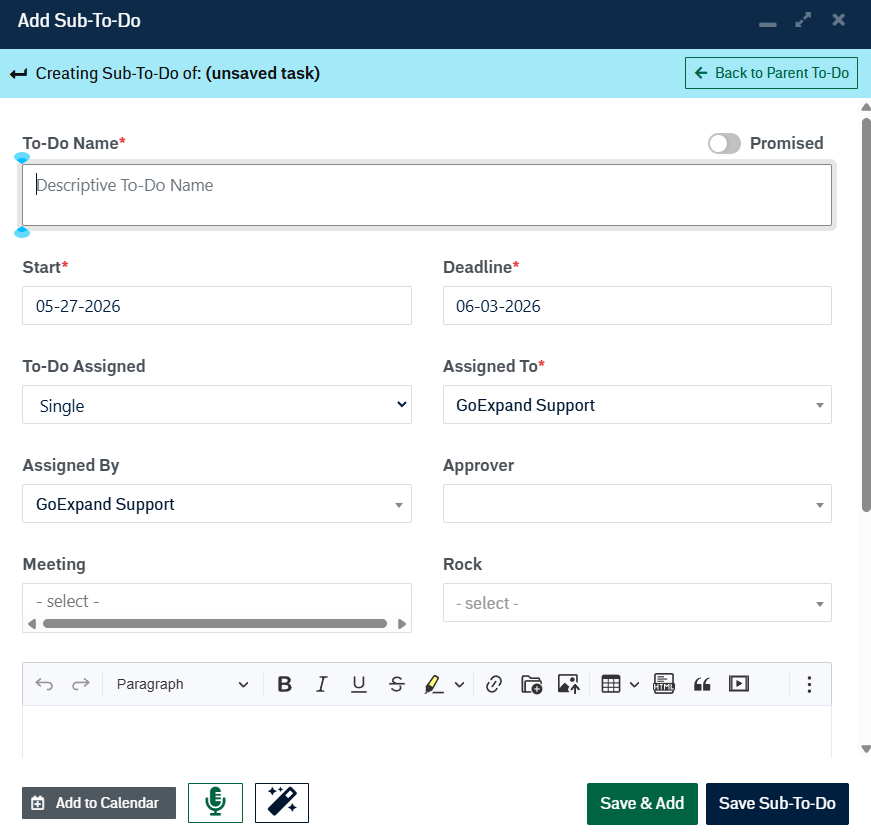
Click Create Sub-To-Do to create a new child To-Do under the current To-Do. Fill out the Sub-To-Do info and select Save Sub-To-Do. The new child To-Do will be linked to its parent automatically.

Once all relationships are set up, they are visible in the related To-Dos portion of the To-Do modal.