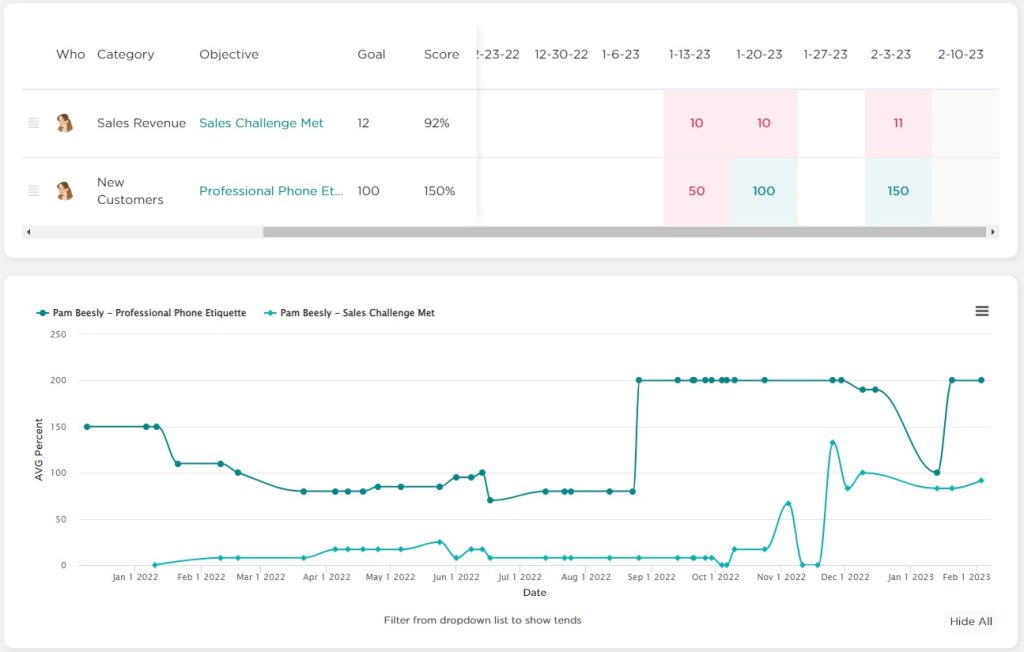
From your own dashboard or from the Employee Dashboard, you are able to view the trends of the Metrics over time–not just their current values. To do this, click the “View Trends” button at the top-right, to hide the Metrics table and show a trend chart. Click and drag to zoom into a time period.
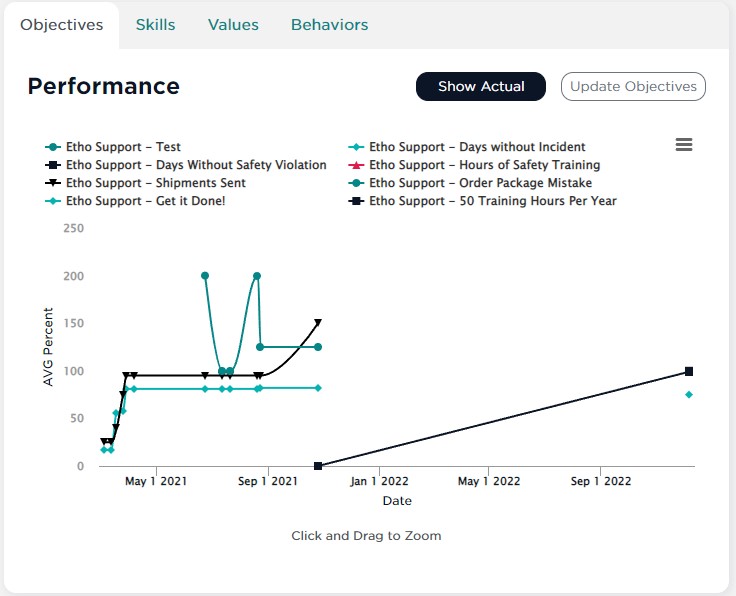
It works a lot like how Metrics Trends do in Meetings.