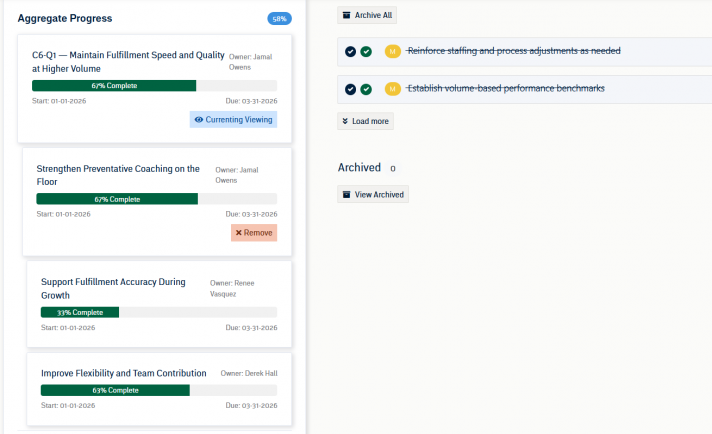
In Pinnacle, you can create long-term goals with Initiatives. Initiatives are designed to be a group of Rocks (which consist of their own Action Items) that contribute to the larger goal. This layered structure enables you to manage and track progress at different levels—from the granular Action Item level to the broader Initiative level. By grouping Rocks together under a single Initiative, you can focus on achieving a strategic Goal while monitoring the performance and timelines of each individual Rock.
How to Create Initiatives
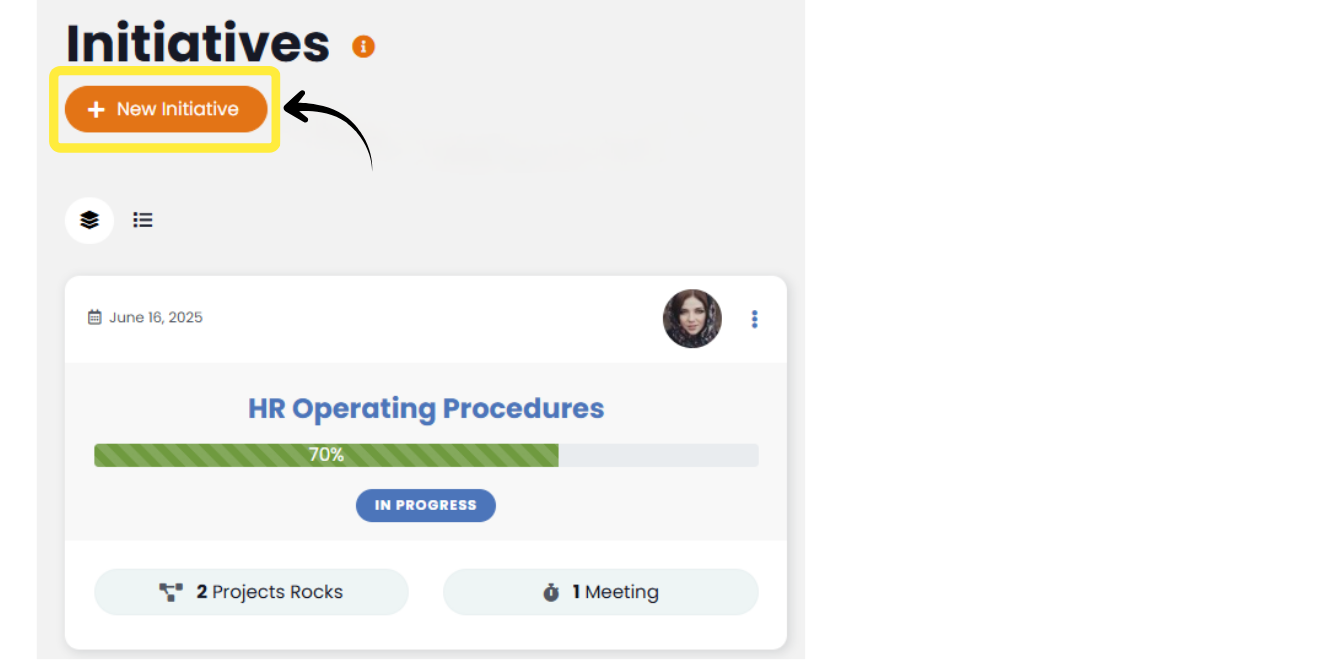
Click the “Add Initiative” button at the top of the to Initiatives listing page to open the Initiative creation modal.
Alternatively, Initiatives can be created directly from the SV&EP the same manner described below.
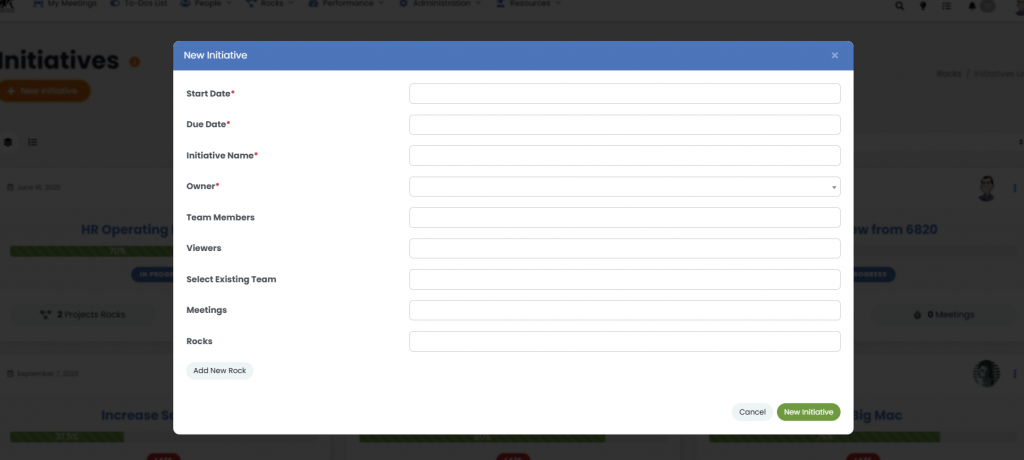
- Start Date & Due Date: Select the appropriate start and end dates from the date picker fields.
- Initiative Name: Enter a descriptive name in the “Initiative Name” field.
- Owner: The person who will oversee the Initiative.
- Team Members: Individual users who need to view and interact with the Initiative.
- Viewers: Individual users who only need to view the Initiative but aren’t contributing members.
- Select Existing Team: Add entire Teams to the Initiative.
- Meetings: If needed, select one or more meetings from the dropdown. This will associate the Initiative with the selected meetings’ agenda.
- Rocks: If there are Rocks already created that need to be associated with the Initiative, select them from the dropdown. In the “Add New Rock” button, and you will see a default Rock block that can be filled out as normal.
- Once you’ve added and reviewed all information, click the “New Initiative“ button at the bottom of the modal.
Viewing and Managing Initiatives
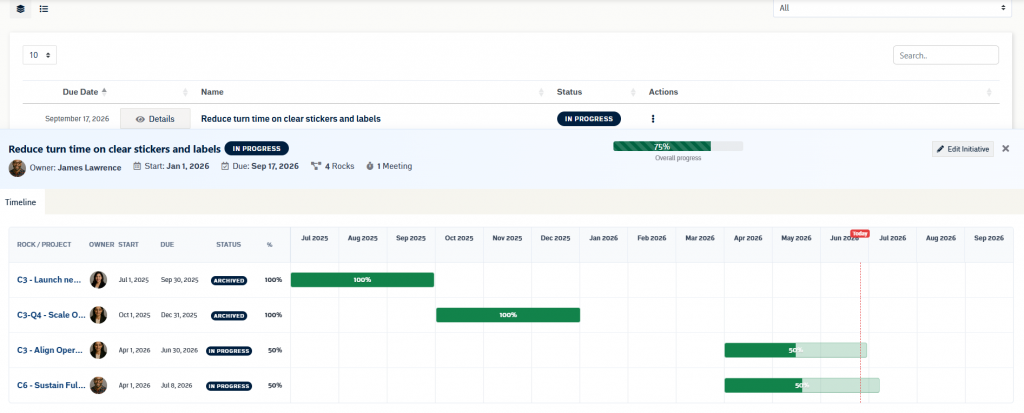
The Initiatives page includes both card and list views. Select an Initiative card, the Initiative name, or the Details button to open the detail panel.
The detail panel shows the Initiative name, owner, start date, due date, status, attached Rocks count, meeting count, and overall progress. Overall progress is calculated from the progress of the attached Rocks.
The timeline view displays each attached Rock with its owner, start date, due date, status, percent complete, and timeline bar. Select a Rock row or timeline bar to open that Rock in the slide-out detail drawer.
To update an Initiative, use the three-dot actions menu or select Edit Initiative from the detail panel.
If no Rocks are attached, the detail panel will show an empty state. Use the edit workflow to attach existing Rocks or create a new Rock.