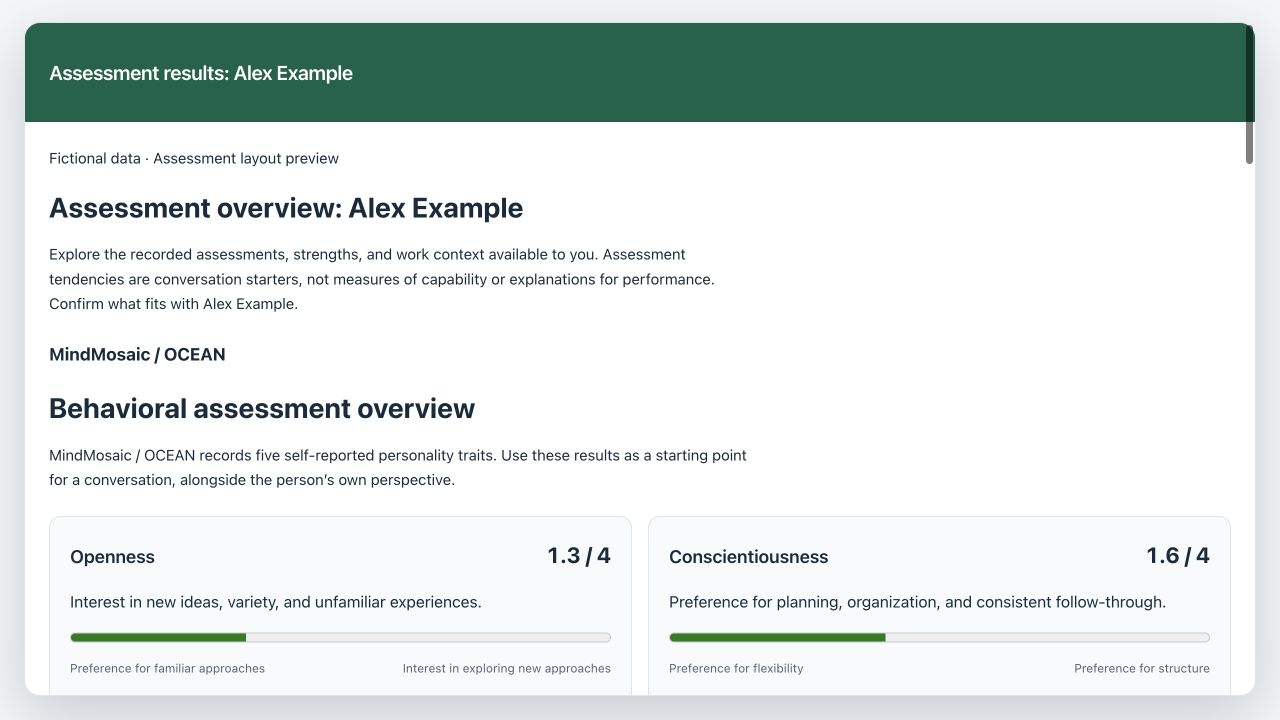
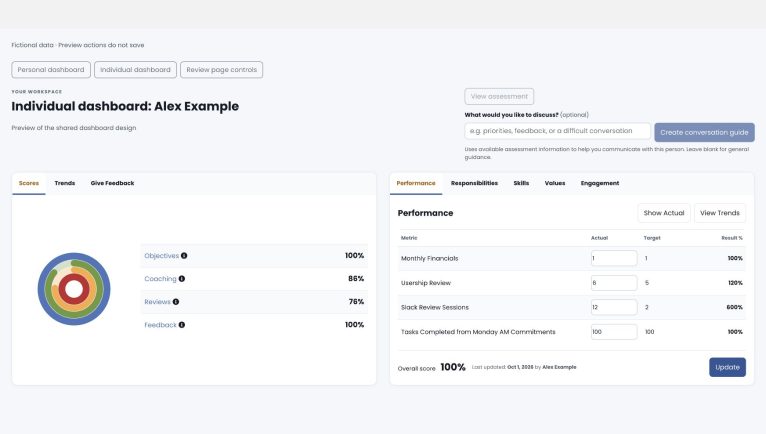
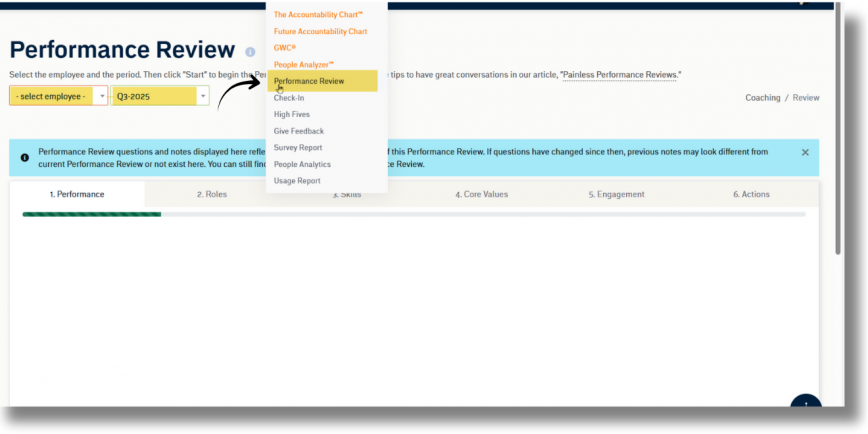
Use View assessment results on an individual dashboard or review page to prepare a more informed conversation. The report brings together the assessments and work records you are allowed to see. It does not change scores or complete a review.
Read the assessment in its own framework
MindMosaic / OCEAN: The report displays five recorded traits: Openness, Conscientiousness, Extraversion, Agreeableness, and Emotional reactivity (Neuroticism). Trait cards explain each dimension and offer a question to explore together. Higher and lower scores describe different tendencies; neither is inherently better.
Legacy MindMosaic records use a 0–4 scale. This differs from standard IPIP item means, which use 1–5. Scores are not percentages, performance ratings, or a diagnosis. The report leaves out unverified reference averages and automated profile labels. Compare only records using the same scoring method, and ask the person whether the context fits.
Predictive Index: PI retains its own pattern names and report terminology. Original PI documents and management guides remain available. Do not read a PI pattern as an OCEAN score.
Leadership Compass and strengths: Available shared strengths and accepted reflections provide discussion context. They represent the participant’s perspective and should be considered together with their current goals and circumstances.
Custom profiles: The report keeps the provider’s terminology and scale. Use the original assessment document for its methodology and full interpretation.
Explore available work context
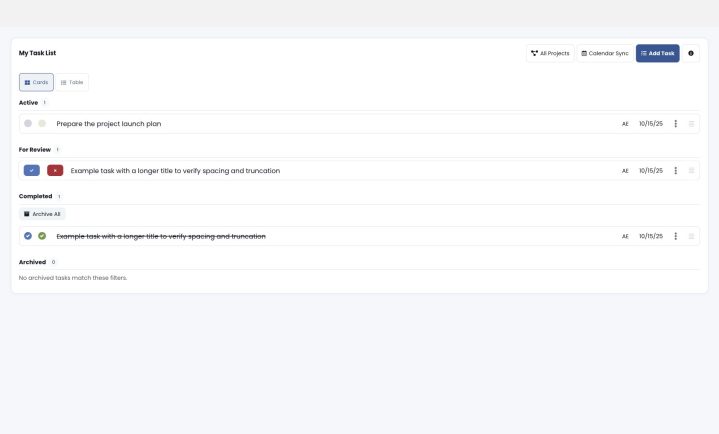
Open the work-context sections to see the records available within your existing permissions, such as dashboard scores, Metrics, saved reviews, coaching, feedback, Rocks, To-Dos, meetings, and check-in/form submission history. Your organization’s names appear in the application.
This is a current snapshot, not a promise of complete history. Date limits and sampling can apply. An unavailable or empty section does not mean poor performance. Check-in/form context may include submission metadata without private response answers or evaluator identities.
Create a conversation guide
Enter what you would like to discuss with the named person, then select Create conversation guide. On a review page, the topic field asks what topics you want to discuss in that review; examples include achievements, challenges, goals, and development. Leave the field blank for general conversation guidance.
When your organization has configured AI and this feature is available, the guide combines allowed assessment coaching context with authorized work evidence. Saved records are context, not instructions. Recorded work claims must be tied to their supporting source, while coaching suggestions remain separate. Unavailable information and limited coverage must not be treated as a complete history.
A guide helps you prepare questions and agree on next steps. Confirm information with the person and use their perspective. It is not a hiring, promotion, compensation, disciplinary, or medical recommendation. Existing review steps, scoring, assessment documents, and access rules remain in place.
Use the report on a phone or tablet
Trait cards stack on narrow screens. Tap a work-context heading to open its records. The report header stays visible while you scroll; close the report to return to the dashboard or review. No hover is required to read the report.