Clicking Connect Asana under “Personal Connection Status” from the Asana Integration page authorizes your Asana account using OAuth so that the two systems can sync your Tasks to your Upstream+ Tasks and your Projects to your Upstream+ Projects.
Note:
- Each team member must connect their own Asana account.
- This does not require Client ID / Secret.
- This is the most common requirement for normal use of Asana syncing.
Connect Your Asana Account
- In Upstream+, navigate to Administration → Assana Integration.
- Scroll down below the organizational settings.
- Click Connect Asana.
- You’ll be redirected to Asana’s secure sign-in page.
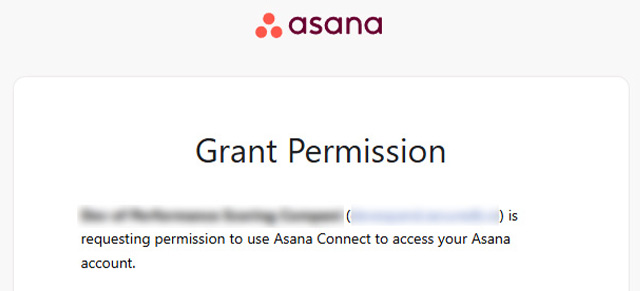
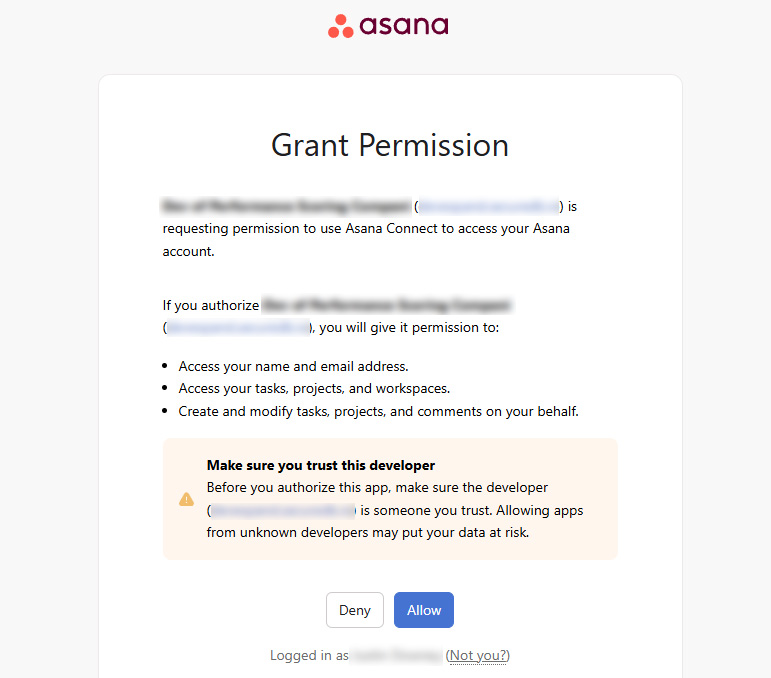
- Log in with your Asana credentials and Grant Access authorize Upstream+ to access your account.
- Once connected, your Asana account will appear as “Linked” under Integrations.
NOTE: Your Asana login is protected using OAuth 2.0 — Upstream+ never stores your password, only a secure access token
Asana Not Connected

Grant Upstream+ Access
Asana is now connected