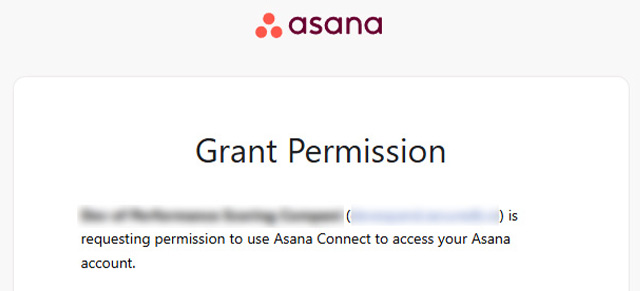
Clicking Connect Asana under “Personal Connection Status” from the Asana Integration page authorizes your Asana account using OAuth so that the two systems can sync your Tasks to your Pinnacle Action Items and your Projects to your Pinnacle Rocks.
Note:
- Each team member must connect their own Asana account.
- This does not require Client ID / Secret.
- This is the most common requirement for normal use of Asana syncing.
Connect Your Asana Account
- In Pinnacle, navigate to Administration → Assana Integration.
- Scroll down below the organizational settings.
- Click Connect Asana.
- You’ll be redirected to Asana’s secure sign-in page.
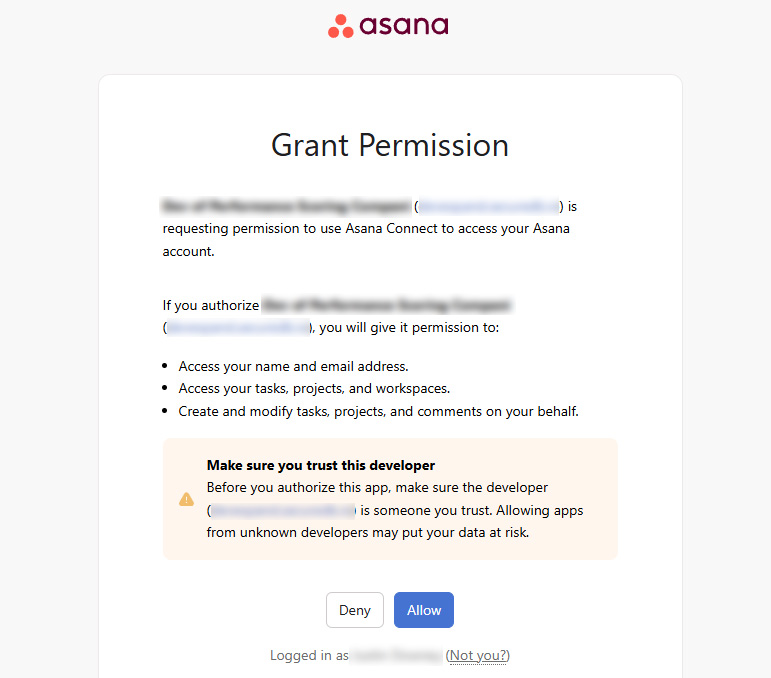
- Log in with your Asana credentials and Grant Access authorize Pinnacle to access your account.
- Once connected, your Asana account will appear as “Linked” under Integrations.
NOTE: Your Asana login is protected using OAuth 2.0 — Pinnacle never stores your password, only a secure access token
Asana Not Connected

Grant Pinnacle Access
Asana is now connected